Search is a browser for the Mac with nothing in the way. Three megabytes, the engine already in macOS, and a window that opens in a third of a second. Free, for Apple silicon on macOS 14 or later.
Version 1.0 · 2.9 MB · Free
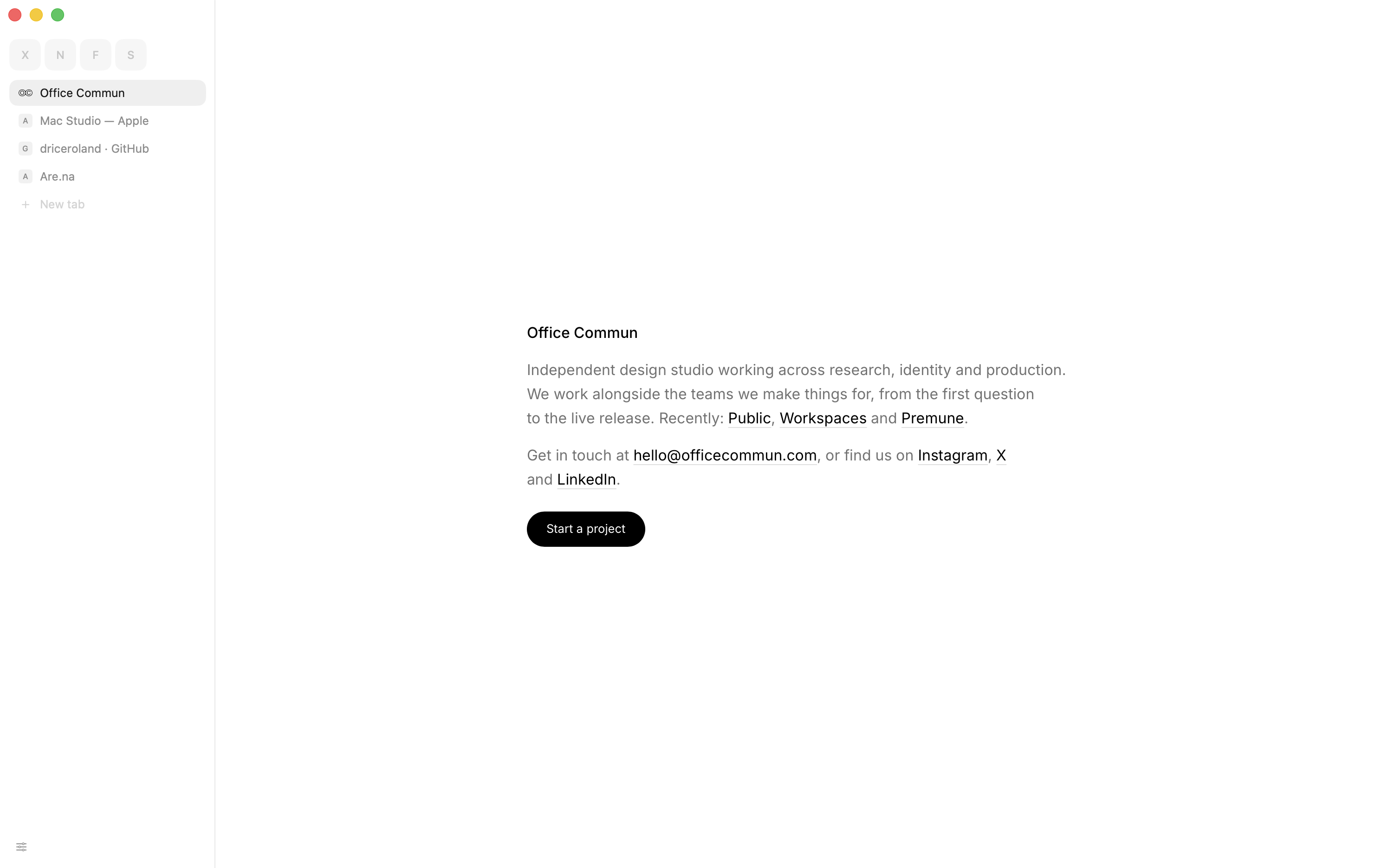
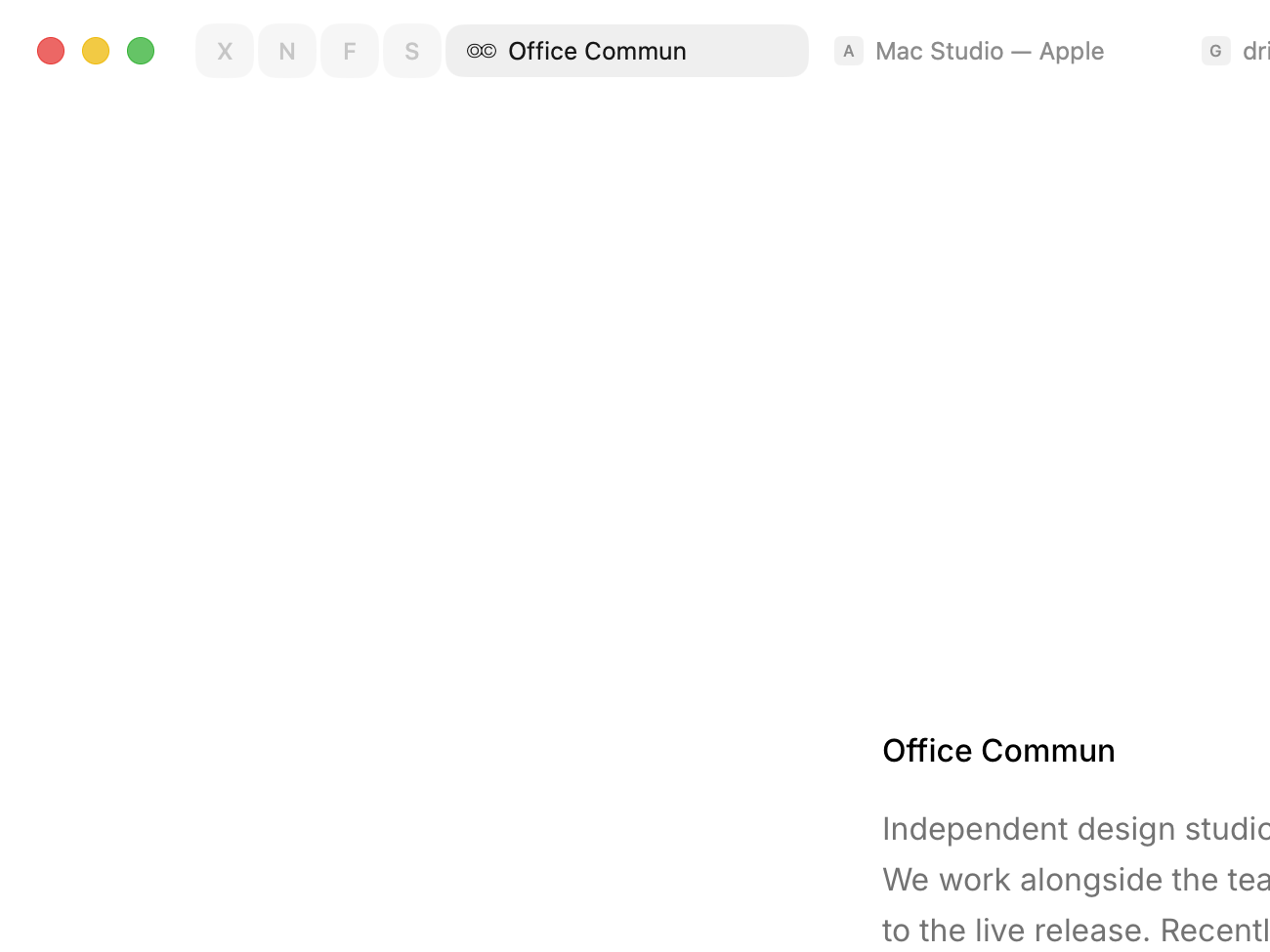
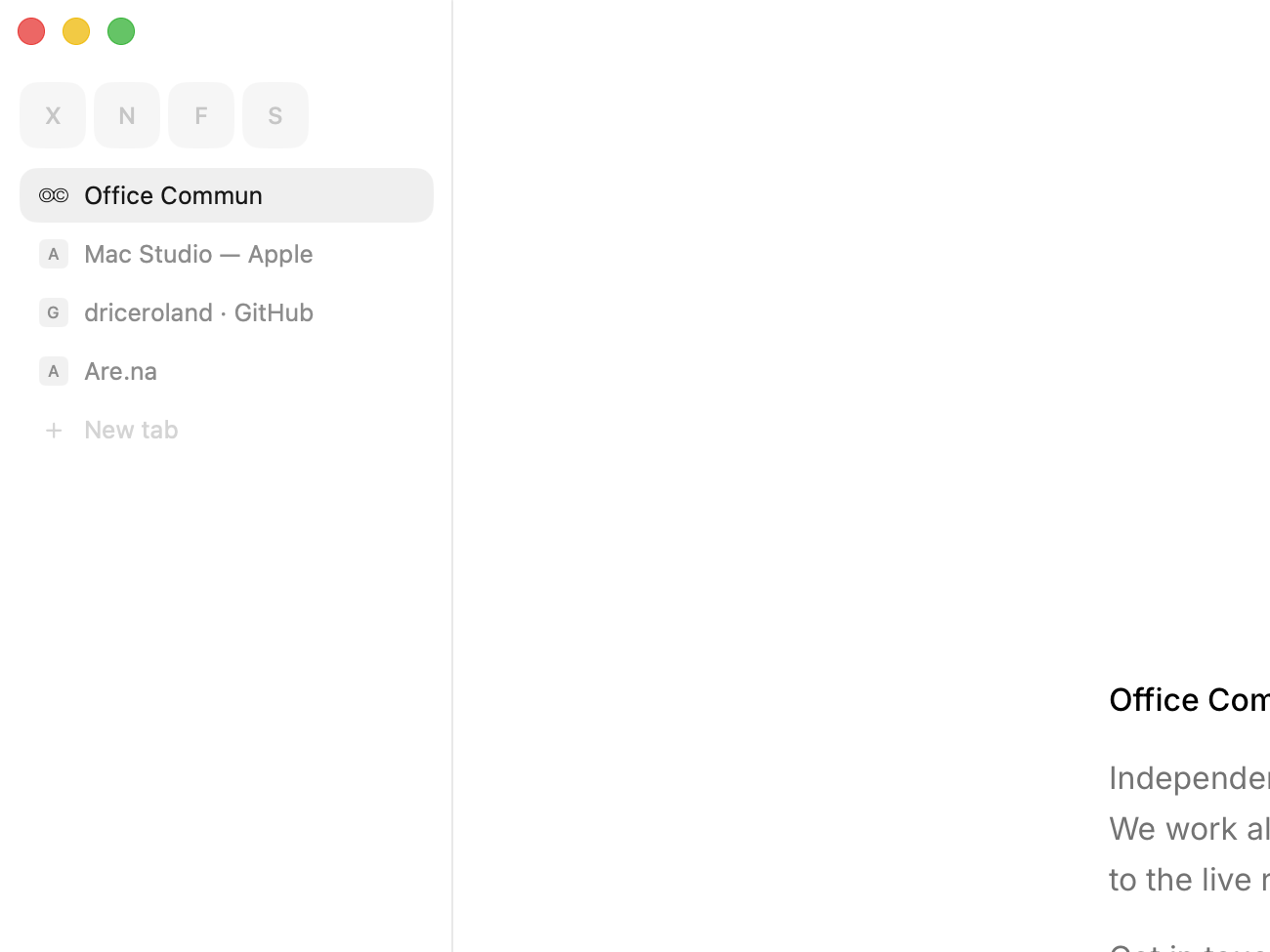
Two ways to hold it. Titles across the top, or down the side. The grey slides to the tab you pick either way, and a pinned site is one letter.
Light enough to forget it's there. Measured against Chrome and Safari on the same Mac, the same afternoon, the same pages. Medians of three runs.
2.9 MB on disk. No engine of its own to carry.
320 ms to the first window. Launched cold, no page open.
51 MB before the first page. Every process the app owns.
11 processes with five tabs open. Where Chrome runs 29.
Pinned tabs. A letter at the head of the row. ⌘W puts it to sleep; it never leaves.
Ads blocked before they load. In the network layer — no scripts, no counter.
Hide anything. ⌘⇧H, click a thing, it's gone from that site for good.
Reading mode. The article, its pictures, nothing else. ⌘⇧R.
Floating video. Leave YouTube or Netflix and the video follows, above every app.
Passwords in your keychain. Shown with Touch ID. Passwords, bookmarks and history come over from Chrome or Dia in a click.
One field. A place takes you there; words are searched. It finishes addresses from where you've been.
Downloads. Straight to the folder you chose, one click from the Finder.
History, by day. Search it, clear it, or clear what a site left behind.
Private tabs. ⌘⇧N. Its own cookies, no history, no place in tomorrow's session.
Updates itself. In the background. Nothing you've set or pinned changes.
Open source. The code is on GitHub — read it, build it yourself, or send a fix.
Questions? Answers.
A browser for the Mac by Office Commun, a design studio in Paris. Tabs, an address field, history, passwords, downloads — and as little around the page as we could manage. About 3 MB.
No. Search runs on WebKit, the engine that ships with macOS and powers Safari. That's why it's tiny: there's no second engine inside. Pages look exactly as they do in Safari.
Yes, for now. No account, no subscription.
Apple silicon, macOS 14 or later.
Yes. Passwords › Bring in from — macOS asks once for the other browser's key, and everything lands in your keychain under Search's name. Nothing in the other browser changes.
No. Everything stays on the Mac it runs on.
Once a day Search reads a small file on this site. If there's a newer build, it downloads it in the background, checks it was signed by Office Commun, swaps it in, and it's there next time you open Search. Settings, pins, history and passwords are never touched.
Settings › This Mac › Make it the default.
Not yet. Ad blocking and hiding things are built in.
Search is free, for Apple silicon Macs on macOS 14 or later. Three megabytes, a third of a second, and nothing in the way.
Version 1.0 · 2.9 MB · The numbers · Privacy